AI Features
  • 🚌 Smart Transportation
  • 🍽️ Smart Canteen
  • 📈 Result Analysis Prediction
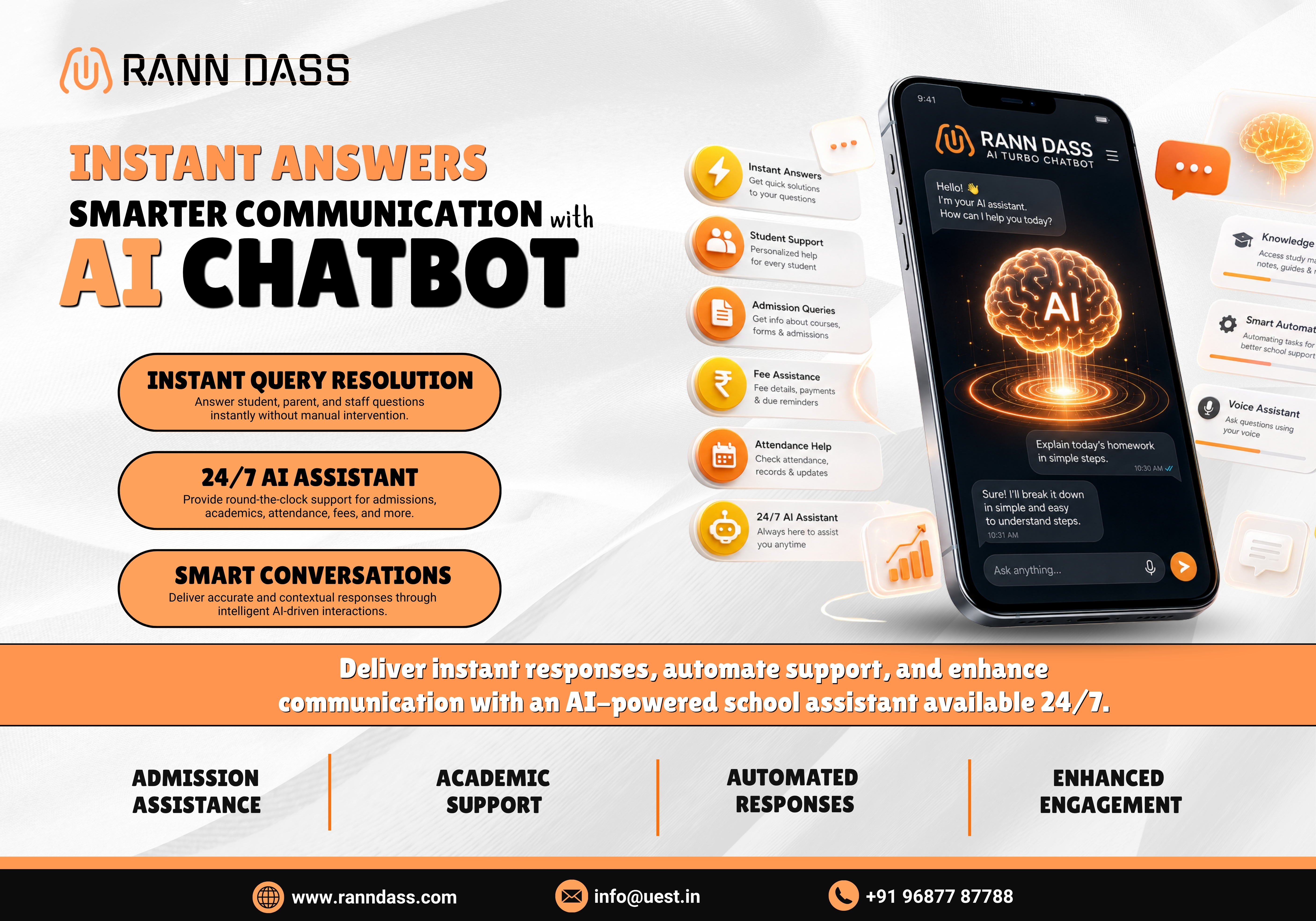
  • 🤖 Smart ChatBot
  • 🗓️ Smart Timetable
  • 💹 Smart Finance
FEATURED
AI School Management Software
Automate your entire school administration with intelligent
AI — from admissions to reports, everything in one
powerful dashboard.
10x
Faster admin tasks
98%
Accuracy rate
500+
Schools onboarded
24/7
AI support
Request a free demo →
Free Demo
  • Home
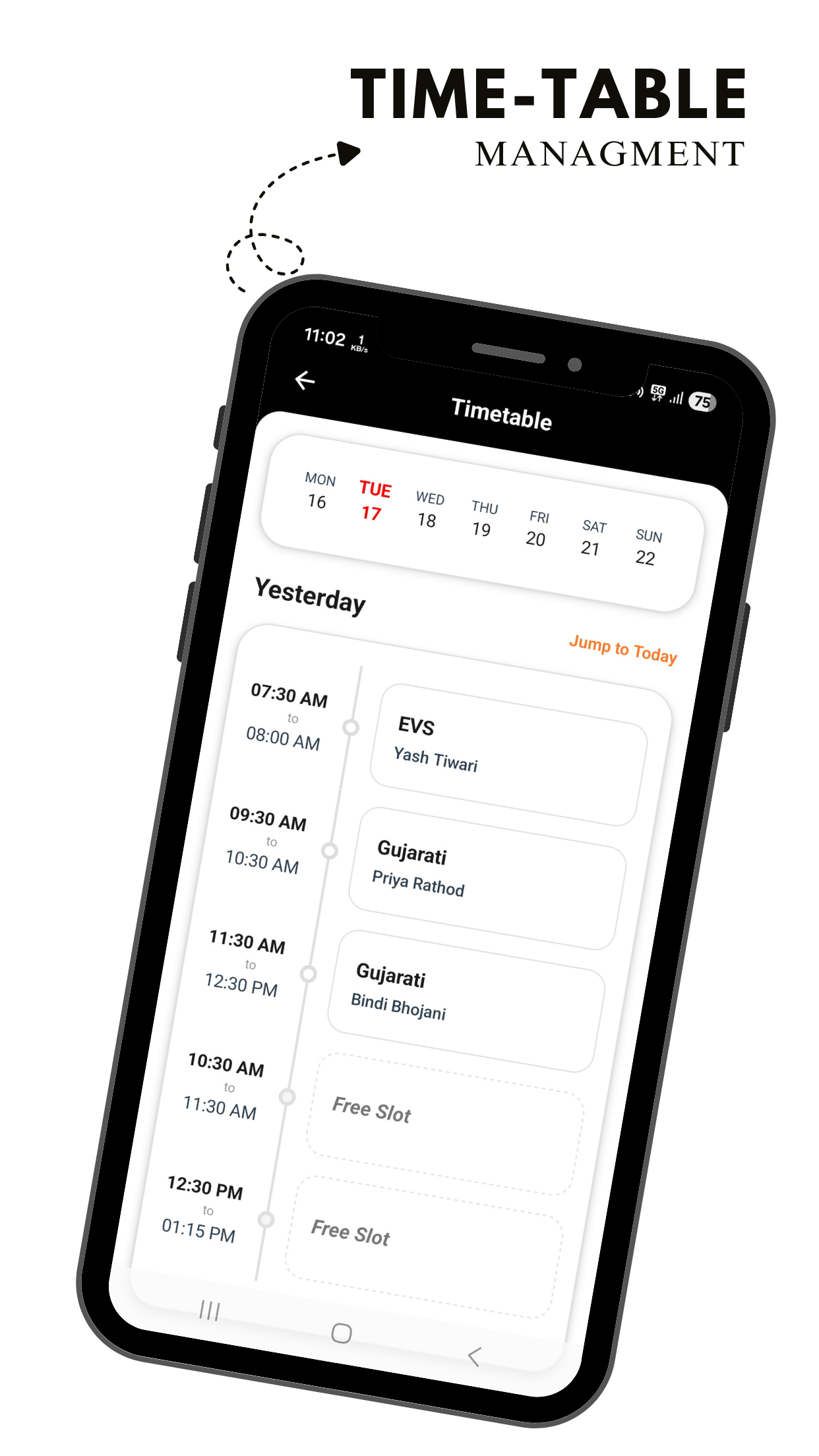
  • Timetable Management

Timetable & Proxy Management System

Creating an accurate school timetable is one of the most complex administrative challenges — requiring meticulous planning, coordination across departments, and hours of manual effort. Rann Dass solves this entirely with its AI-powered Timetable Management System, where administrators can define the teaching scheme once and let AI handle the rest.

With the built-in AI Turbo Timetable Scheduler, schools can generate complete, conflict-free timetables in under a minute — and when a teacher is absent, the integrated AI Proxy Management instantly assigns the best substitute in under 10 seconds. No free periods. No confusion. No unfair workload.

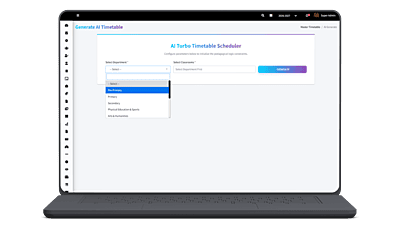
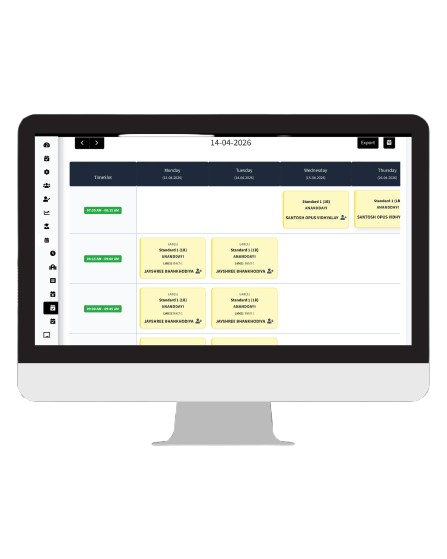
Rann Dass AI Timetable Management System Dashboard
AI Turbo Timetable Scheduler

Effortless Scheduling at Your Fingertips

Configure your teaching scheme once — our AI generates a complete, conflict-free timetable for your entire institution in under a minute.

01
Set Up Teaching Scheme

Select the standard and division, fetch all subjects and lab sessions, assign teachers to each subject, and define weekly lecture slots. This forms the foundation for AI scheduling.

02
Initialize AI Engine

Go to Create Timetable → AI Generate. Select your department and classrooms, then click "Initialize AI". The AI engine reads your entire teaching scheme and begins intelligent scheduling instantly.

03
Timetable Ready in Seconds

Within under a minute, AI delivers a fully optimized, conflict-free timetable for all classes. No overlapping teachers, no room clashes — a perfectly balanced schedule ready to publish.

Benefits

Mobile App
AI-Generated Timetables in Under a Minute AI

The AI Turbo Timetable Scheduler processes your complete teaching scheme and generates a fully optimized, conflict-free timetable for all classes and departments within seconds — eliminating days of manual effort.

Intelligent Conflict Detection & Resolution AI

The AI automatically detects and resolves scheduling conflicts — including teacher clashes, room overlaps, and lab session collisions — ensuring a smooth, error-free timetable across all departments.

Balanced Workload Distribution

Helps distribute teaching hours evenly among staff members based on their assigned subjects and slot configurations. Improves productivity and prevents overburdening of any individual teacher.

Zero Teaching Gaps with AI Proxy AI

When a teacher is absent, the AI Proxy engine instantly assigns the best substitute in under 10 seconds — directly from the live timetable. Every period is covered automatically. No free periods, no manual coordination.

Web App
Easy to Upload & Manage

Administrators and class teachers can upload, edit, and manage timetables directly from the web or mobile app. The interface is simple enough for non-technical staff to use without training.

Multiple File Type Support

Timetables can be uploaded in various formats including Word documents, Excel sheets, PDFs, or image files — providing flexibility for institutions with existing timetable templates.

Instant Mobile App Notifications

Whenever a timetable is created, updated, or published — or a proxy is assigned — all concerned teachers, students, and parents are notified instantly through the Rann Dass mobile application.

AI-Driven Fair Proxy Workload Distribution AI

The AI tracks each teacher's proxy count in real time and assigns substitutes fairly — prioritising subject expertise first, then distributing load to the least-burdened available teacher. Complete audit-ready proxy records are maintained automatically.

Key Features of Timetable & Proxy Management

Unlock the Future with Our Rann Dass ERP System!

Unlock Your Demo

Frequently Asked Questions

If you don't see an answer to your question, you can send us an email from our contact form.

The AI Turbo Timetable Scheduler reads your complete teaching scheme — including subjects, assigned teachers, weekly lecture slots, lab sessions, and classroom capacity — and automatically generates an optimized, conflict-free timetable for all selected classes and departments. The entire process takes under a minute, eliminating the need for any manual scheduling.

Yes. The AI Generate feature allows you to select an entire department and multiple classrooms simultaneously. The AI processes all classes together, ensuring that teacher allocations, lab sessions, and subject slots do not conflict across any division — generating timetables for the whole department in a single run.

The AI engine automatically checks every teacher's schedule across all classes and divisions while generating the timetable. It ensures no teacher is assigned to two classrooms at the same time slot. Similarly, it prevents room overlaps and lab session conflicts, resolving all such constraints intelligently before finalizing the schedule.

Absolutely. After the AI generates the timetable, authorized administrators and class teachers can make manual adjustments as needed. You can swap periods, reassign teachers for specific slots, or update entries — the system will flag any conflicts introduced by manual changes, keeping the schedule accurate.

Yes. The AI-powered scheduling engine proactively detects and resolves all types of conflicts — teacher clashes, classroom overlaps, and lab session collisions — before generating the final timetable. This ensures a smooth, error-free schedule across all departments.

Yes. Once the timetable is published, every teacher can view their personal schedule from the mobile app or web portal. They receive an instant notification whenever a timetable is created or updated, and can download their schedule in daily or weekly view formats.

Yes. Authorized users — including admins, principal, and class teachers — can edit and update published timetables at any time. Any changes are immediately reflected in the system and all affected teachers and students are notified through the mobile app.

The proxy engine is directly integrated with the HRMS and Leave Management module. The moment a teacher's leave request is approved — whether half-day or full-day — the system automatically detects the approval, fetches the teacher's timetable, identifies all affected periods, and assigns the best substitute in under 10 seconds. No manual triggering is required.

The AI uses a three-level priority algorithm. It first checks for a teacher who is free in that period and teaches the same subject within the same division. If none is found, it checks across other divisions. If still no match exists, it assigns the free teacher with the lowest proxy count for the month — ensuring fair workload distribution across all staff.

Yes. The Principal receives a notification for every proxy assignment and can approve it with one tap or override it by selecting a different teacher. The AI handles the heavy lifting of finding the best match, but full managerial control always remains with the Principal.
UEST EdTech Platform Logo Visit UEST
Call Us Now
Chat on WhatsApp
Ranndass Chatbot Logo Ask AI Bot
Rann Dass Assistant
Online
Hi! I'm your virtual assistant for Rann Dass School ERP. How can I help you today? Try asking about our features, pricing, or contact details.