Dear school admins, class teachers, and timetable creators — we completely understand the struggle. Juggling multiple standards, divisions, subjects, teacher names, lab sessions, and two shifts is a real mathakut (headache).
But what if you could generate a flawless, clash-free weekly schedule in just a few minutes — completely leaving behind the endless scribbling, erasing, and staring at paper? With the RannDass AI Timetable Generator, that is exactly what you get.
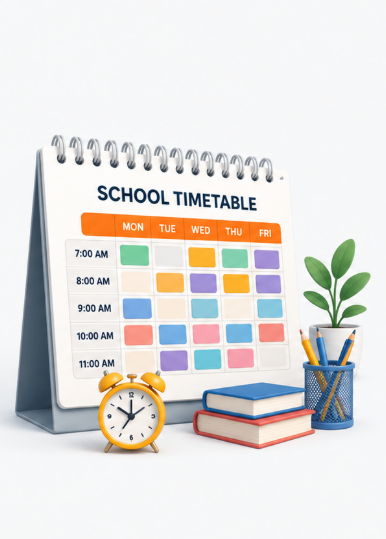
Step 1: Setting Up Your Timeslots
Define the Rhythm of Your School Day
Every school operates differently. Some start at 7:00 AM, others have staggered timings for primary and higher secondary sections. The system lets you set completely different timeslots for different classrooms — so tiny preschoolers are never scheduled at 7:00 AM!
When adding a timeslot, you simply set:
- Start Time & End Time — Whether a period is 45 minutes or an hour, just log it in.
- Built-in Breaks — Mark slots as breaks (Nasto time!) so no teacher or class is ever accidentally scheduled during recess.
- Targeted Scheduling — Assign a timeslot to all classrooms or only to specific ones like "11 Morning shift."
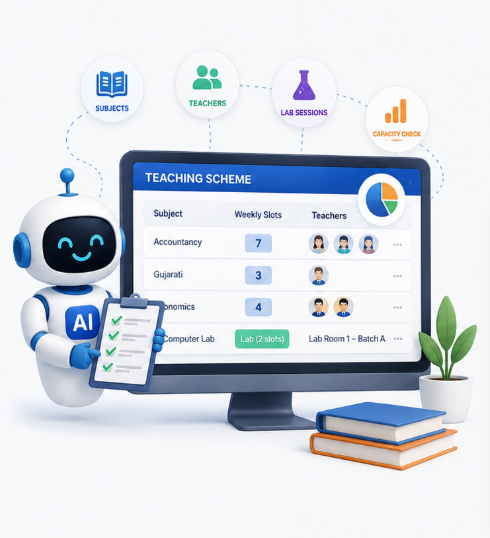
Step 2: The Teaching Scheme — Assign the Workload
Not every subject needs the same time. Accountancy packed with big sums needs far more lectures than Gujarati. In the Teaching Scheme, you allocate the right number of weekly slots per subject and assign exactly who is teaching what.
What you can do:
- Set weekly lecture count per subject — e.g., 7 lectures for Accountancy.
- Split subjects between multiple teachers — e.g., 3 lectures to Shivansh Sir, 4 to Preyarsh Sir.
- Manage lab sessions separately — each occupying two timeslots, with batch and room assignment.
- Visual capacity bar warns you if you assign more slots than the week allows — it literally turns red!
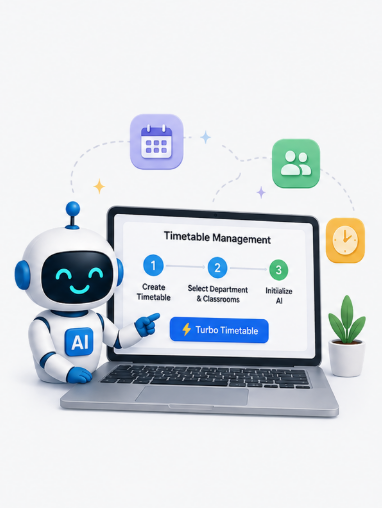
Step 3: Let the AI Do the Heavy Lifting
One Click. Thousands of Combinations. Zero Clashes.
Once your timeslots and teaching scheme are set, head to Timetable Management → Create Timetable and click the Turbo Timetable button. Select your department and classrooms, then click Initialize AI.
The AI algorithm reviews thousands of combinations in a split second — cross-referencing teacher availability, subject limits, and break times — to generate a flawless, optimized timetable automatically.
No manual juggling. No whiteboard mess.
You give the AI the rules. It handles all the logic and delivers a ready-to-use schedule.

Real-World Benefits for Your School
- No More Scheduling Clashes — The AI cross-checks every teacher's routine before assigning a single slot. Neha Madam will never be in two classrooms at once again.
- Get Your Time Back — A chore that used to take days is now done in a few clicks. Spend that time on what actually makes your school great.
- Easy Updates for Sudden Leaves — When the wedding season (lagan gado) hits, just select a substitute teacher from the dropdown and regenerate. Done.
- A Fair Workload for Teachers — Instantly see how many lectures each teacher has. Spot overloading at a glance and balance it effortlessly.
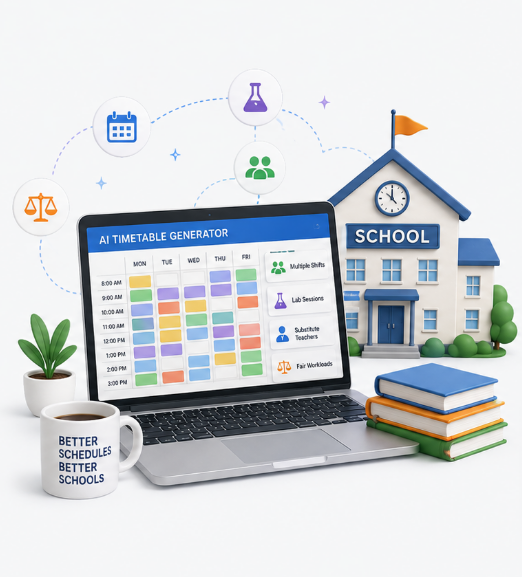
From Chaos to Clarity — A Modern School Deserves Modern Tools
Traditional pen-and-paper scheduling simply cannot handle the complex realities of today's schools — multiple shifts, multiple divisions, lab sessions, and frequent staff changes.
The Invisible Engine of a Smooth School
A well-built timetable is the foundation of organized, stress-free school operations — and the AI Timetable Generator makes that foundation bulletproof.
Wipe the Whiteboard Clean. Let AI Handle the Schedule.
By setting clear Timeslots and Teaching Schemes, you give the RannDass AI Timetable Generator the blueprint it needs to eliminate clashes, balance workloads, and adapt instantly to changes — so you can focus on shaping the future of India.
"It is time to put away the markers and let technology handle the schedule."
— Heli Aghara, UEST – RannDass School Management Software